Why your phone compass is wrong, and how to fix it
Phone compasses drift, stick, and read backwards. Here is what actually causes each failure and the calibration routine that fixes it in under a minute.
7 min read · updated
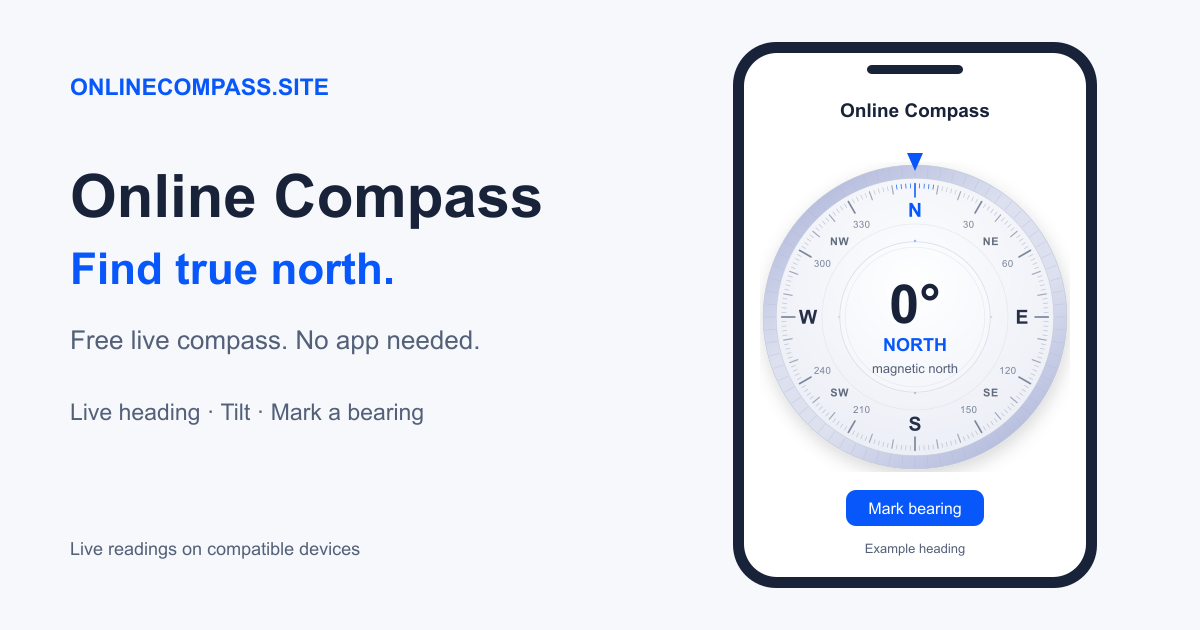
Almost every “my compass is broken” report is one of four things: a magnet too close, an uncalibrated magnetometer, a tilted device, or a browser that never got sensor permission. Check these common causes before assuming the hardware is faulty.
Check the result on the live online compass. For a reference that does not use a magnetometer, compare it with the ways to find north without a compass.
1. Something magnetic is sitting next to the sensor
This is the single most common cause and it has become far more common since magnetic accessories became standard. A MagSafe wallet, a magnetic car mount, or a folio case with a magnetic clasp sits within centimetres of the magnetometer and produces a field hundreds of times stronger than the Earth's. The phone faithfully reports the direction of the strongest field it can feel, which is the magnet, not the planet.
The test takes five seconds: take the phone out of its case, walk a few metres from any vehicle or railing, and see whether the reading changes. If it swings by tens of degrees, you found your problem.
Steel is a quieter version of the same issue. Reinforced concrete floors, metal desks, bike frames, and the steel in car doors all distort the local field without being obviously “magnetic”. Indoors, a phone compass is frequently ten to thirty degrees off for exactly this reason, which is why readings taken at a window often disagree with readings taken in the middle of the room.
2. The magnetometer needs calibrating
A magnetometer measures three axes, and each axis has a slowly drifting zero offset. The operating system estimates those offsets by watching the sensor sweep through different orientations. If the phone has been sitting flat in a pocket, the estimate is stale and every reading inherits the error.
The fix is to give the sensor a spread of orientations:
- Hold the phone in front of you and trace a large figure-eight in the air, rolling your wrist as you go so the screen faces different directions.
- Do it four or five times, taking a couple of seconds per loop.
- Then rotate the phone twice around each of its three axes: flat spin, end over end, and side over side.
Watch the accuracy figure on the compass while you do it. A well-calibrated phone settles to within a few degrees; if it stays high, you are still too close to something metal.
3. You are holding it tilted
The Earth's magnetic field does not run horizontally. In London it dives about 66° into the ground; in Sydney it comes up out of the ground at a similar angle. Only the horizontal part of that field tells you where north is, and a tilted phone mixes the large vertical part into the horizontal measurement.
Good compass software compensates for tilt using the accelerometer, and this site does. Compensation degrades as the tilt grows, because the horizontal signal shrinks while the noise does not. Past about 30° from flat, treat the heading as indicative rather than accurate. Hold the phone flat, screen up, like a tray.
4. The browser never got permission
On iOS, Safari will not deliver orientation events at all until a page asks and the user taps Allow, and the request must come from a real tap. If you dismissed that prompt, the compass never receives data. The hardware works. It is just waiting for a permission that never came.
- iPhone and iPad: Settings → Apps → Safari → Advanced → turn on Motion & Orientation Access, then reload the page and tap Enable compass.
- Android Chrome: tap the padlock in the address bar → Permissions → allow Motion sensors, then reload.
Sensor access generally requires a secure context. On a public site, use https://; browsers may treat local development addresses as an exception.
The case where nothing helps
Some devices have no magnetometer. Most laptops and desktops do not, and a number of budget tablets omit it. In that case the browser reports orientation events that are relative rather than absolute. They track how the device has turned since the page loaded, but they have no idea where north is.
There is still a way to find north on those devices: compute the sun's bearing for your position and time, and use the sky as the reference. That needs no magnetic sensor at all, and it is immune to every magnetic problem on this page.
A quick sanity check you can always run
Before trusting any compass, magnetic or digital, check it against something you already know. In the northern hemisphere the sun is roughly south at local noon; in the southern hemisphere it is roughly north. If your compass says otherwise, stop and recalibrate before you walk anywhere.
Return to the online compass after recalibrating and check the heading away from magnetic interference.
Frequently asked questions
How do I calibrate my phone compass?
Move away from metal and magnetic accessories, then gently rotate the phone through several orientations, including a figure-eight motion. Hold it still and compare the heading with a known direction.
Why does my compass point the wrong way indoors?
Steel, magnets, electronics, and reinforced concrete can distort the local magnetic field. Check the reading outdoors and away from nearby metal.
Can a laptop provide a live compass heading?
Most laptops have no usable magnetometer, so their browsers cannot provide a north-referenced heading. A sun compass can calculate a bearing from location and time instead.